Artificial intelligence is reshaping how students organize tasks, write essays, and study. By pairing AI productivity tools with thoughtful workflows, learners can reclaim hours each week for deeper engagement with course material.
What AI Productivity Tools Can Do for Students
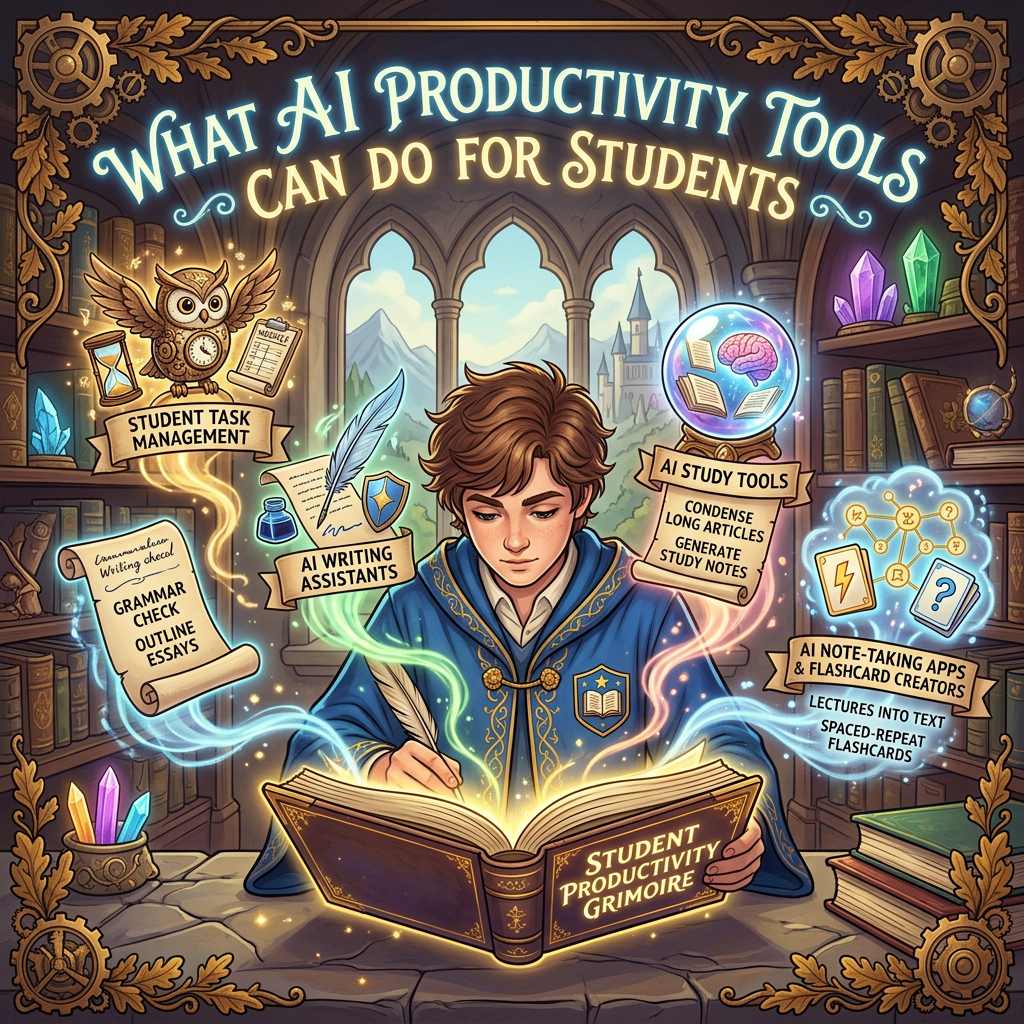
AI productivity tools fall into core categories that match typical student needs:
- Student task management: Apps that summarize deadlines, suggest study blocks, and send reminders.
- AI writing assistants: Tools that check grammar, rephrase sentences, and outline essays.
- AI study tools: Services that condense long articles or generate concise study notes from textbooks.
- AI note‑taking apps & flashcard creators: Platforms that turn lectures into searchable text and create spaced‑repeat flashcards.
Used wisely, these tools cut repetitive work so you can focus on understanding concepts rather than formatting them.
Popular AI Tools Every Student Should Know
| Tool | Best For | Key Strength |
|---|---|---|
| ChatGPT | Brainstorming, outlining, editing | Conversational interface, handles long prompts |
| Grammarly | Writing clarity and tone | Real‑time grammar and style suggestions |
| Notion AI | Note‑taking and planning | Integrates with personal wikis and databases |
| Otter.ai | Lecture transcription | Turns spoken content into searchable text |
| Anki (with AI add‑ons) | Spaced repetition flashcards | Optimizes review timing for memory retention |
How to Use AI Tools Without Cheating
AI tools work best as collaborators, not replacements for thinking. Instead of handing off an entire essay, ask an AI for:
- Three possible thesis statements on a topic
- Counter‑arguments to strengthen your position
- A rewrite of a paragraph for clarity after you draft it
The same principle applies to AI homework help: use the output to understand concepts, then verify facts yourself. AI can hallucinate details, especially in history or science, so always cross‑check information.
Choosing the Right Tool for the Job
Start by pinpointing your biggest time drain. Need help formatting citations? Try a citation generator with AI features. Stuck on the first draft? A chatbot can spark ideas. Most tools offer free tiers—test them to see if they fit your workflow and if the interface feels natural.
Limitations and Ethical Considerations
AI isn’t flawless. It can produce inaccurate information, struggle with niche subjects, and sometimes reflect biases in its training data. Students should:
- Never submit AI‑generated work as their own
- Verify all facts and citations
- Be aware that tools may change or be discontinued
Your institution’s academic‑integrity policy should guide usage. When in doubt, consult an instructor.
Getting Started in 5 Steps
- Pick one recurring task that consumes unnecessary time each week.
- Select an AI tool that directly targets that task.
- Use it for a full week and track time saved.
- Tweak your prompts based on results—be specific about desired output.
- Add a second tool only after the first feels natural to your workflow.
Sample Prompts That Work
- “List five sub‑topics for an argumentative essay on climate‑change policy.”
- “Suggest two pros and two cons of carbon pricing for a high‑school economics class.”
- “Rewrite this paragraph to sound more confident and concise.”
Clear, narrow prompts produce more focused and useful results than broad requests.
Conclusion
AI productivity tools are not magic shortcuts, but they can serve as powerful study partners when used thoughtfully. By matching tools to real needs, verifying AI output, and staying within academic guidelines, students can reclaim time for deeper learning.
FAQs
Are AI tools allowed for homework?
Check your syllabus or ask your instructor. Many schools permit AI as a study aid but prohibit submitting AI‑generated text as original work.
Can AI tools help with studying?
Yes. AI can summarize readings, generate flashcards, and create practice quizzes tailored to your course material.
Is it cheating to use AI writing tools?
Using AI to brainstorm or edit your own work is generally acceptable. Turning in a fully AI‑written assignment without credit is not.
Do AI tools cost money?
Most offer free tiers with basic features. Paid plans unlock advanced capabilities, but free versions often meet student needs.
How accurate are AI tools?
Accuracy varies. Always double‑check facts, citations, and technical details, especially in STEM subjects.
The sample prompts like list five sub‑topics for an argumentative essay feel very actionable.
I’ve been using Grammarly and ChatGPT for brainstorming thesis ideas, and it’s honestly cut my writing time in half—I’m curious if anyone has tried combining tools like Otter.ai with Anki? Seems like that could really streamline lecture review.